
SolarEdge highly recommends connecting your system to the SolarEdge monitoring platform for enhanced PV performance monitoring. You can use the methods below to check your system’s performance without an internet connection In SetApp-enabled inverters:
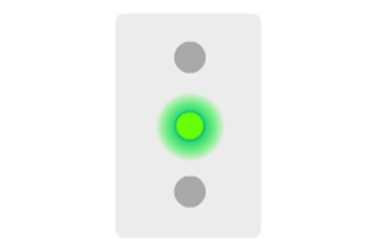
1. Check for the status of the LED indicator at the bottom of the unit.
2. When the inverter is producing energy, the green LED will be constantly on.
In inverters with a display:
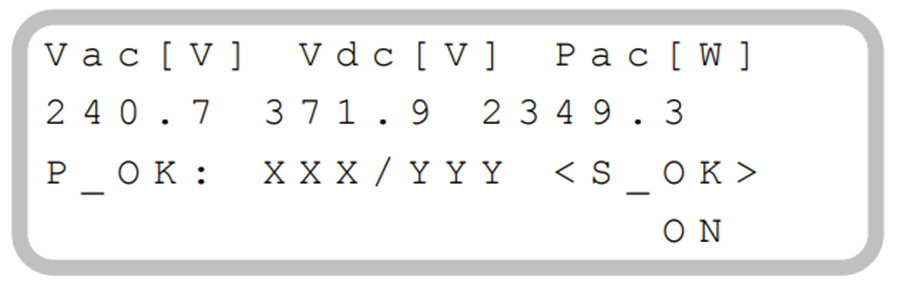
Press once the green button at the bottom of the inverter or the ok button on the front of the inverter. The power production information will be displayed.
Comments
0 comments
Please sign in to leave a comment.